The whole cabinet: power, noise, water
Sub-Zero Control Panel Blank or Not Responding
In the owner's words
The display went blank this afternoon, or it shows two dashes where the temperature should be, and pressing the keys does nothing I can see.
Short answerA blank or unresponsive Sub-Zero control panel usually means the unit has lost power, a zone has been switched off, or a setting has changed what the panel shows. A failed control board is the last explanation, not the first. Sub-Zero Appliance Repair Seattle, (206) 339-4211, rules out supply and settings before testing the board.
Signed
- Technician
- Dean Halvorsen
- Bench time
- 19 years in the trade
- Title
- Refrigeration technician — sealed systems and airflow
- Carries
- EPA 608 certified
- Dated
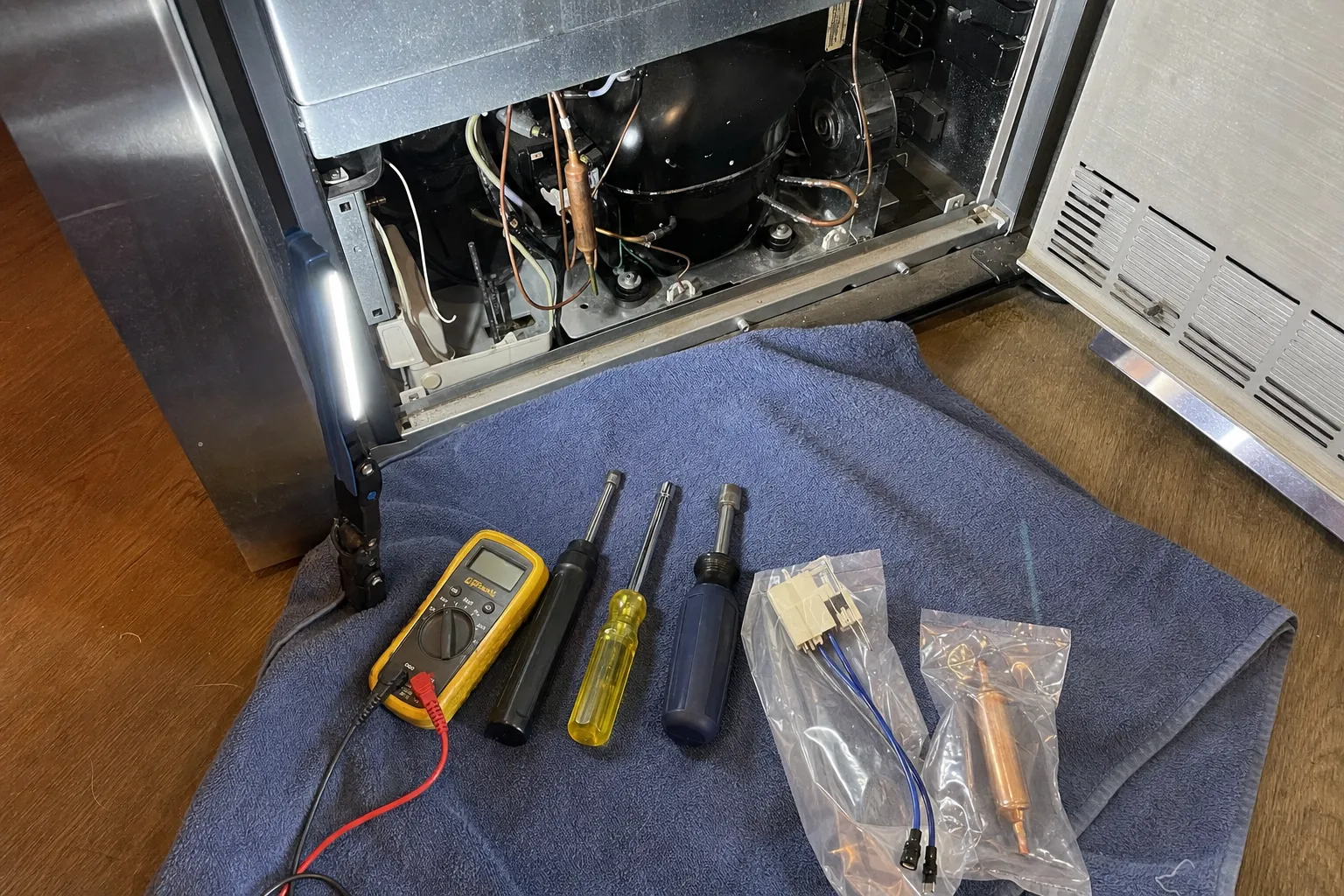
- Multimeter
- Bagged parts
- Compressor
Pattern Ledger
Control Panel Blank: how it usually goes
- Most often No power reaching the unit
-
Gives itself away by Panel dark, the interior light out as well, and no running sound from below
Price band none set for this work — quoted after the diagnosis
- Sometimes A zone disabled, shown as double dashes
-
Gives itself away by Two dashes where one compartment's temperature should be, often after a cleaning
Price band none set for this work — quoted after the diagnosis
- Rarely Control board or touch panel no longer responding
-
Gives itself away by Power confirmed and the breaker reset, yet the display stays blank or ignores every key
Price band Electronic control board$420–$920
Telling these three apart is what the $89 visit is for. Sub-Zero Appliance Repair Seattle · (206) 339-4211
Panel, zone or board
On a Sub-Zero with electronic controls, the panel is both a display and a keypad for the control board behind it. When it goes blank, the first question is whether the rest of the unit went quiet with it. A dark panel, a dark interior and no running sound point to the supply. A lit interior beside a dark panel, or a panel that shows dashes or ignores its keys, points to the controls, and there the settings come before the hardware.
What we test, in order
We confirm power at the unit, clear any disabled zone or mode, and read the unit’s own diagnostics where the model has them. Only then do we measure what the board receives and what it sends out. Control boards do fail, but they take the blame far more often than they earn it.
What you can check safely
- Turn the breaker to the unit off, wait a few seconds, switch it back on and restart the unit; Sub-Zero suggests this when a panel stops responding.
- For dashes on Classic, 600 and 700 series panels with a Unit On/Off button: touch Power to switch off, hold that section's Warmer key while pressing Power, then release both.
- On a 700 series panel with a Zone button, dashes mean the zone was set warmer than the control allows: press Colder to bring it out of shutdown.
- If the word SERVICE flashes with the temperatures, check the food with a thermometer and clean the condenser before you ring.
Owner checks end there. Sealed tubing, wiring behind the grille and anything held by screws belongs on a service call — Sub-Zero Appliance Repair Seattle, (206) 339-4211.
Questions owners ask about this
What do two dashes on a Sub-Zero display mean?
Double dashes show a disabled zone, something Sub-Zero recommends while cleaning. On Classic, 600 and 700 series panels with a Unit On/Off button, the sequence that turned the zone off switches it back on. On 700 series panels with a Zone button they mean shutdown mode, from a zone set warmer than the control allows: press Colder.
What does a flashing SERVICE on the panel mean?
Sub-Zero describes it as excessive compressor run and a possible cooling problem. With normal temperatures, cleaning the condenser, checking the doors close and switching the breaker off for thirty seconds may clear it. If it returns or temperatures climb, ring Sub-Zero Appliance Repair Seattle, (206) 339-4211.
Can Sabbath Mode make the unit look as if it has stopped?
It can make it look quieter than usual. On models that offer it, Sabbath Mode shuts off the ice maker and the door alarm, and either darkens the interior lights or holds them dim, depending on the model. The way in and out differs by product line, so check your use and care guide.